Enable a User
Last updated: October 22, 2026
To re-enable a user that has been disabled:
In the left navigation menu, select Users > All Users.
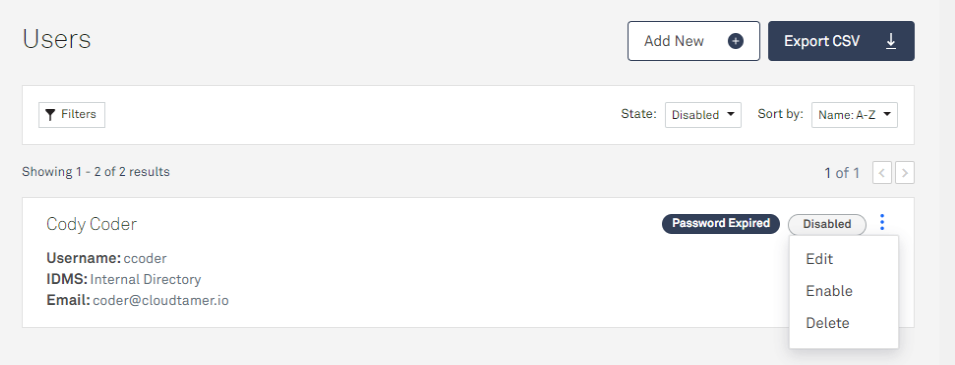
Change the User State filter from Enabled to Disabled to see a list of disabled users.
Click on the ellipses menu next to the user and select Enable.