Edit a User
Last updated: October 22, 2026
You can edit any of the users within Kion with the proper permissions. If you edit a user that is not in the Internal IDMS, the user's data will be updated by the identity provider on the user's next login.
To edit a user:
In the left navigation menu, click Users > All Users.
Click on the ellipsis menu next to the user and select Edit.
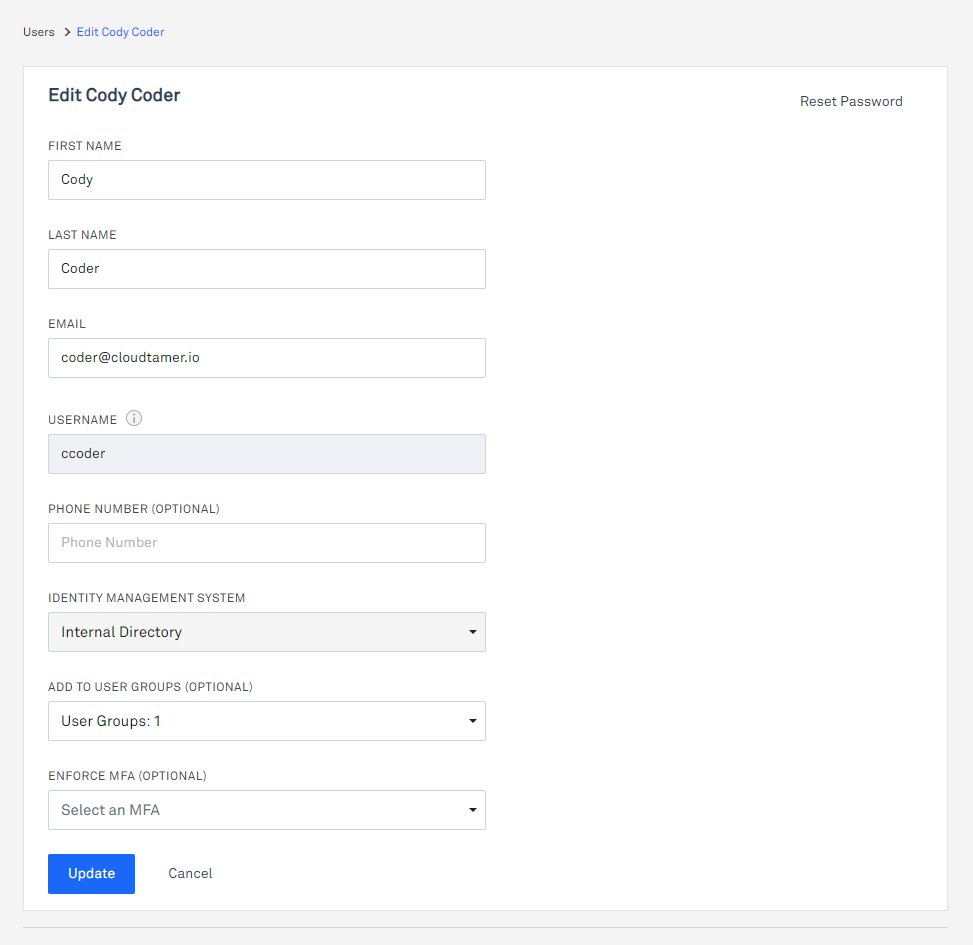
You can update any of the fields except the Username and Identity Management System fields.
For users in an Internal IDMS, click Reset Password in the top right corner to reset the user's password if you have permission to do so.
If you want to make changes to the Enforce MFA setting, see Multi-Factor Authentication.
Click Update to save the changes.