Delete a User
Last updated: September 9, 2026
To delete a user:
- In the left navigation menu, select Users > All Users.
- Click on the ellipses menu next to the user and select Delete.
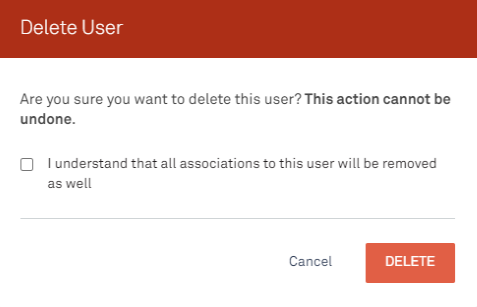
- In the dialog box, check the box stating you understand all user associations will be deleted, then click Delete.