Requesting Project Access
Last updated: September 9, 2026
Any user that can log into Kion can request to join a project. When a request is made, a notification is sent to the owner of the project. The owner can then either accept or deny the request.
Requesting Access to a Project
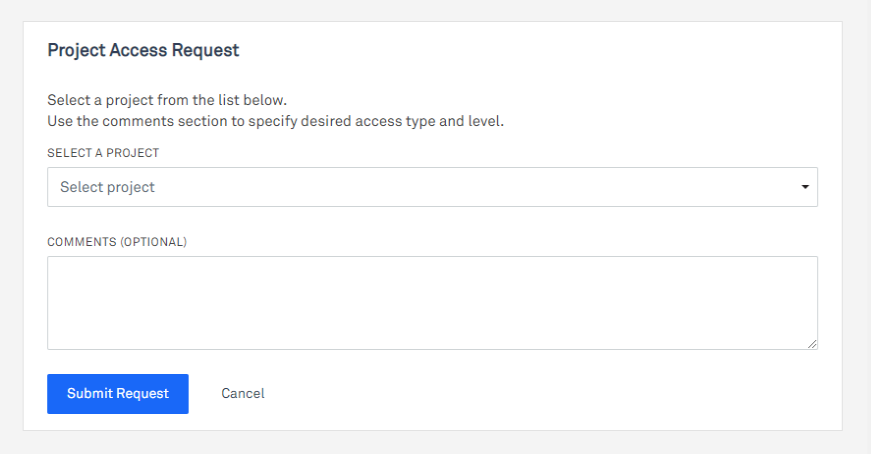
- In the left navigation menu, click Projects > Request Project Access.
- In the Select a Project dropdown menu, select the desired project.
- (Optional) Enter an comment in the Comments field.
- Click Submit Request.
Checking a Project Access Request
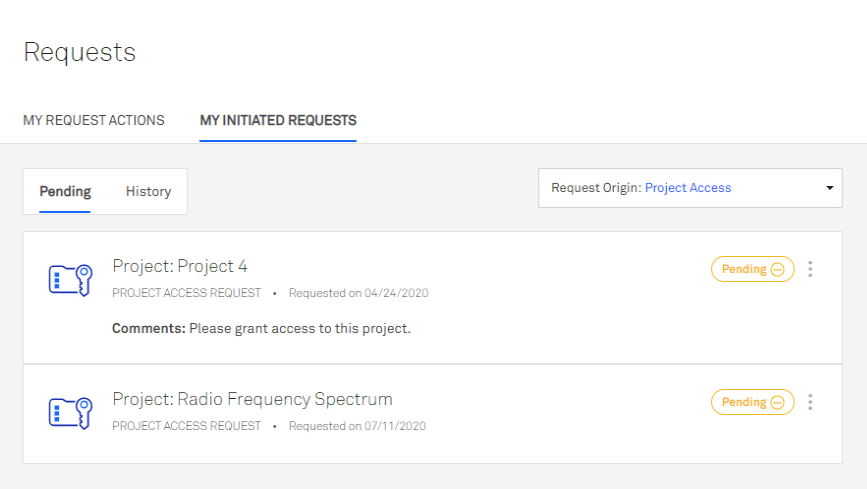
- In the left navigation menu, click Requests > My Initiated Requests.
- In the Request Type dropdown menu, select Project Access.
Canceling a Project Access Request
- In the left navigation menu, click Requests > My Initiated Requests.
- In the Request Type dropdown menu, select Project Access.
- Click the ellipsis menu button next to the status and select Cancel Request .
- Enter a reason for the cancellation.
- Click Cancel Request to confirm.