What are Permission Schemes?
Last updated: October 22, 2026
Permission schemes map individual permissions to permission roles. For example, you can create a permission scheme that assigns a collection of permissions to an Analyst permission role. Permission schemes are also used associate users or user groups with permission roles.
Out of the box, we provide four default permission schemes. In most cases, you can use these four schemes to cover all of your permission assignment needs.
Global Permissions. Permissions that apply to the entire Kion application.
OU Permissions. Permissions that can be applied to OUs.
Project Permissions. Permissions that can be applied to Projects.
Funding Source Permissions. Permissions that can be applied to Funding Sources.
Kion also includes system-managed permission roles, such as Admin and User, whose permissions in these schemes are maintained by Kion and cannot be changed. For more information, see Built-In Permission Roles.
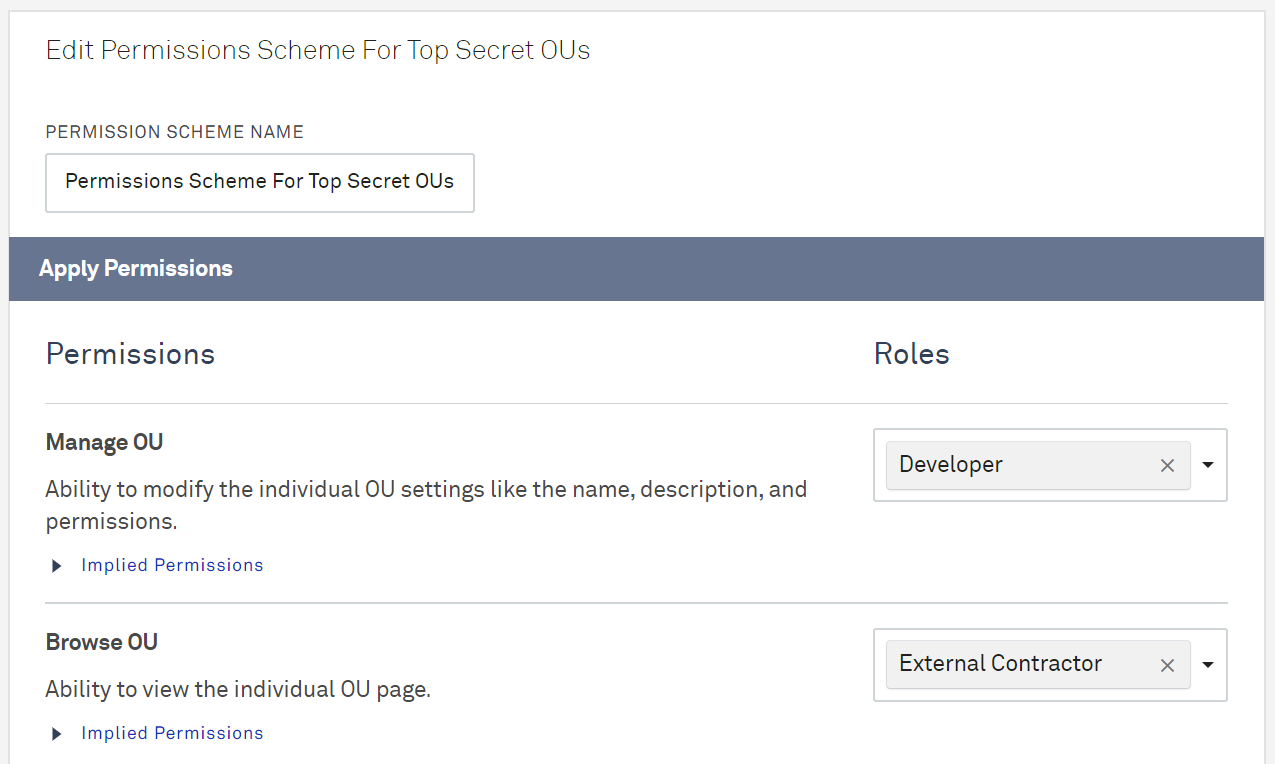
Permission Scope
Permissions in Kion can be applied with a global scope or with an object scope (on OUs, projects, and funding sources). Any object that has an Owner uses the object scope.
By design, the Kion built-in Admin user and the Kion Administrators group have full access to everything in the application. This cannot be changed.