EULA
Last updated: October 22, 2026
Settings > System Settings > User Interface Settings > EULA
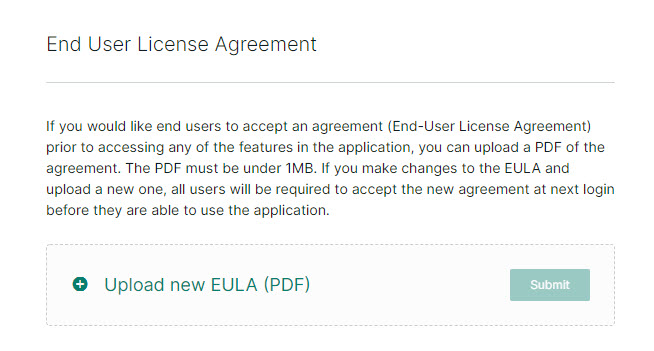
If you would like users to accept an end-user license agreement (EULA) before accessing Kion, you can upload a PDF of your own custom agreement.
To upload an EULA:
Click Upload new EULA (PDF). If a EULA has already been uploaded, this option is labeled Replace EULA (PDF).
Select a PDF to upload.
Click Submit.
The PDF must be under 1MB. If you make edit and re-upload the EULA, all users must accept the new agreement at their next login.
After a EULA has been uploaded, you can click View EULA to review it or Delete EULA to remove it.