Built-In Azure Policy Definitions
Last updated: October 23, 2026
In addition to adding your own Azure policy definitions, you can easily load Azure's built-in policy definitions into Kion.
To import built-in policy definitions:
In the left navigation menu, click Settings > System Settings.
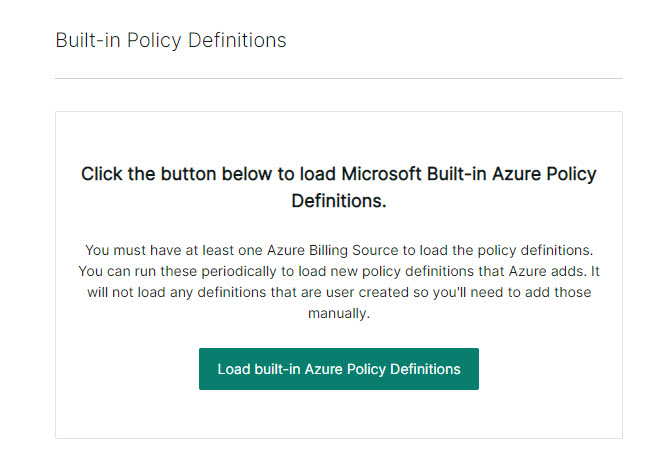
Click Azure Settings > Built-in Policy Definitions.
Click the Load built-in Azure Policy Definitions button. You must have at least one Azure billing source to load the policy definitions. When the import finishes, the full list of all built-in Azure policy definitions shows under Automation > Cloud Rules > Azure Policy Definitions alongside any policies you added previously.