Account Settings
Last updated: October 22, 2026
Settings > System Settings > Application Settings > Account Settings
Kion has the ability to create accounts under your cloud provider and can pre-stage them in our account cache for quicker project creation.
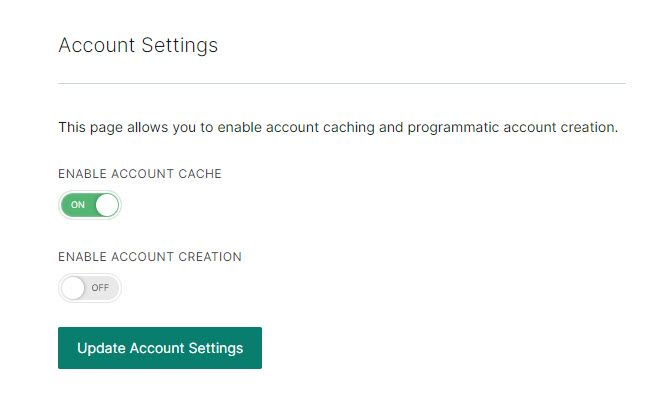
Enable Account Cache. When this setting is enabled, the account cache becomes available for pre-staging accounts. You can access the account cache by navigating to Accounts & Scopes > All Accounts and selecting the Cache tab.
Enable Account Creation. Enables cloud account creation through Kion. This option only appears when the account cache is enabled. For detailed information about creating and managing accounts, see Getting Started with Account Management.