What are Permission Roles?
Last updated: October 21, 2026
Kion's permission system has multiple layers of control for flexibility in assigning permissions. This system relies on permissions, permission roles, and permission schemes.
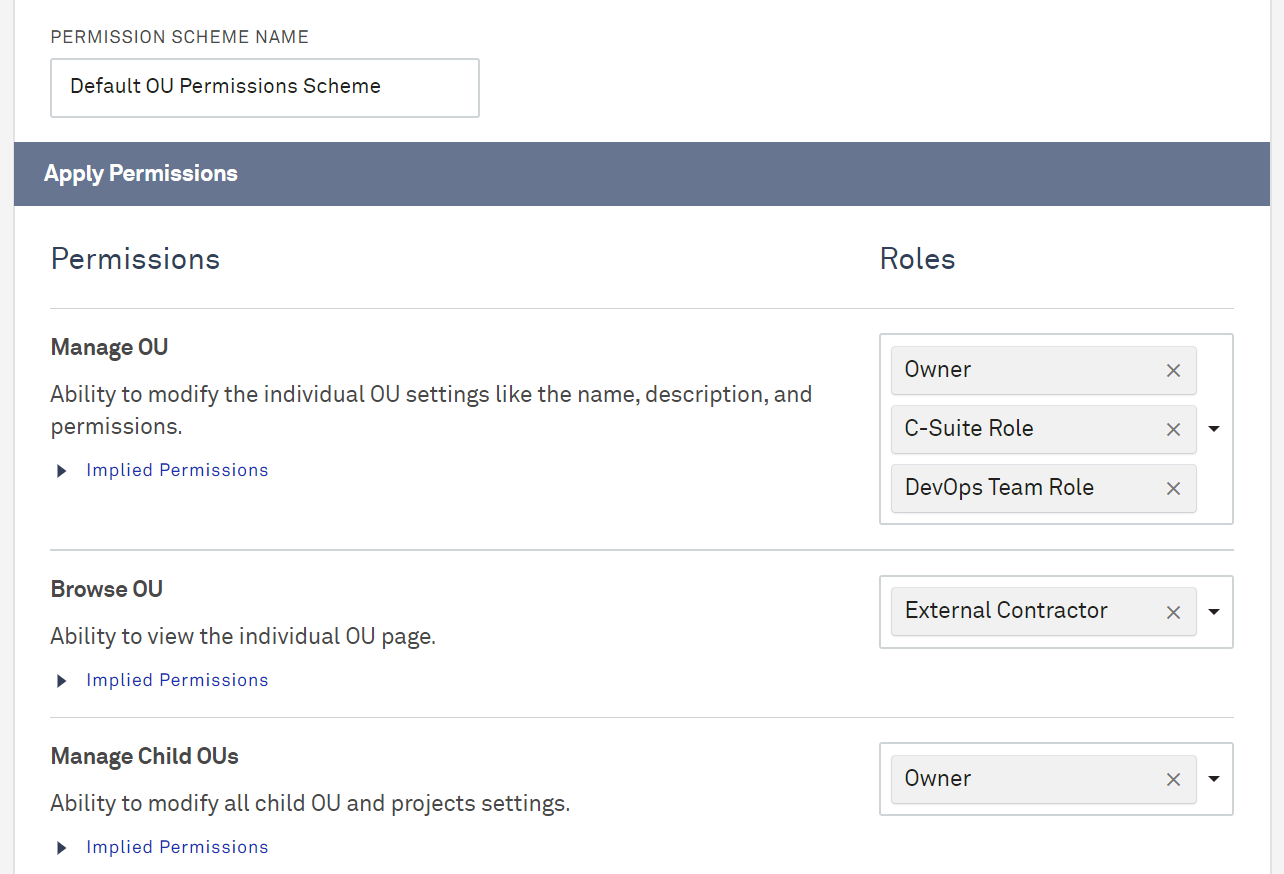
Permission roles represent a functional role, such as Admin or User, that will be assigned individual permissions using one or more permission schemes.
A permission role can be used in multiple permission schemes for multiple objects.
Default Roles
Kion provides out-of-the-box default roles that make it easier to setup and onboard users for common personas. Default roles include recommended permissions for that role. By default, the system provides the following roles:
Admin: Assigned all permissions
User: Several "Browse" permissions, with added ability to submit project requests, request exemptions, and manage their own API keys
Power User: Everything in User, with added ability to create and edit OUs and projects
Read-Only/Auditor: Only assigned "Browse" permissions, including system settings, permissions, users, and the audit log
FinOps Manager: Several "Browse" permissions, with added ability to manage financial features like funding sources, billing sources, budgets, spend plans, and enforcements
Security & Compliance User: Permissions to manage Cloud Rules, Cloud Access Roles, cloud policies, and Compliance features
AI User: Permission to use the Lux AI agent. Lux is limited to what the user's other roles allow, so assign this alongside another role.
For details on what each role can do, see Built-In Permission Roles.
System Managed roles are continuously synchronized. Assigned users will automatically receive any new permissions added to the system managed role.
When a system-managed role is cloned, the resulting role will be user-managed. Unlike the original, it won’t automatically receive permission updates, and assigned users won’t automatically receive new permissions like the original system-managed role.